Password Recovery
Restart VyOS from the console. The GRUB menu appears. Select Boot options.
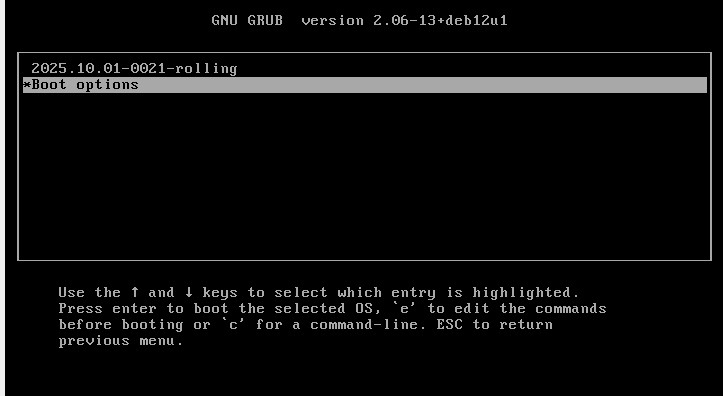
Next, select Select boot mode.
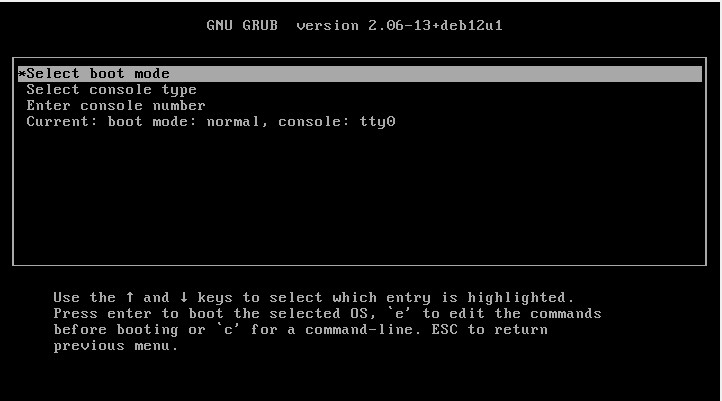
Select Password reset.
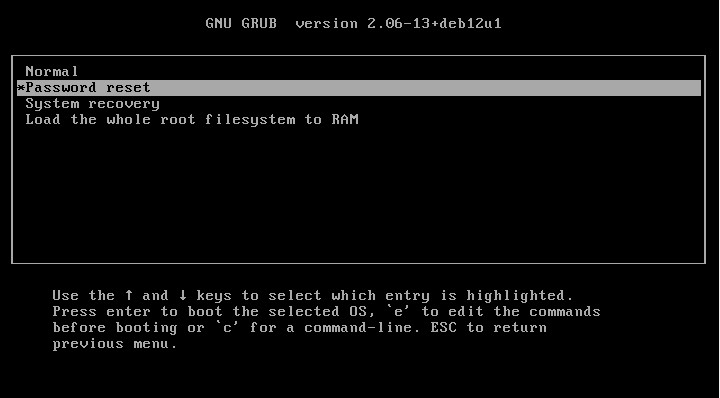
Boot the desired VyOS version.
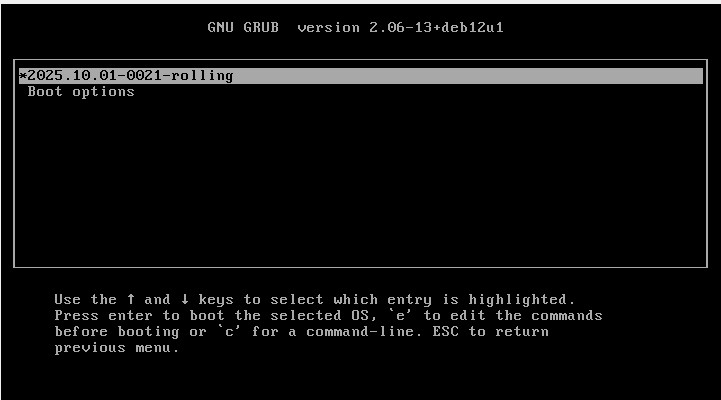
The standalone user password recovery tool runs and prompts you to reset the local system user password. VyOS automatically reboots after you reset your password.
Do you wish to reset the admin password? (y or n)
y
Which admin account do you want to reset?[vyos]
my_username
Enter my_username password:
Retype my_username password:
System will reboot in 10 seconds...